What players say
Picsword Puzzles delivers a satisfying blend of visual and verbal problem-solving. Each level feels fresh, and the gradual difficulty curve keeps you coming back. The game is well-suited for both kids and adults, offering a productive way to pass time. It runs smoothly in the browser with no lag, and the hint system prevents frustration. A solid choice for daily brain training.
About this game
Game Introduction
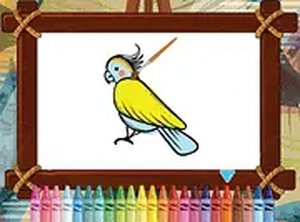
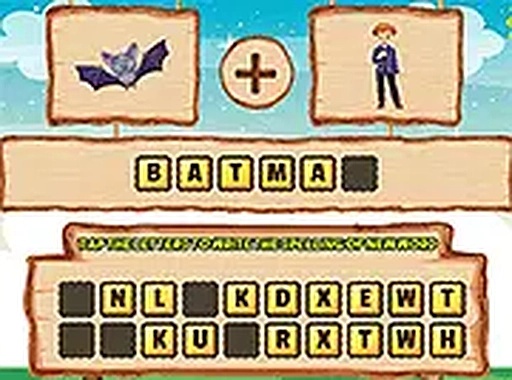
Picsword Puzzles is an educational word puzzle game that challenges players to find hidden connections between images. Each level presents two pictures that share a common theme, and your task is to identify that link and form a word from a set of letters. The game is designed for kids and families, making it a fun way to build vocabulary and observation skills. It runs directly in your browser with no downloads required, and it works on both desktop and mobile devices for convenient play anywhere.
How to Play
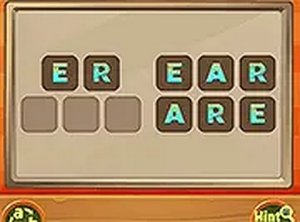
Start by looking at the two images displayed on the screen. Think about what they have in common. Below the images, you will see a selection of letters. Click or tap on the letters in the correct order to spell the word that connects the pictures. If you need help, hints are available, or you can skip to the next puzzle. The game gradually increases in difficulty, with more complex image pairs and trickier word associations. The controls are simple and intuitive, making it easy for anyone to start playing immediately.
Game Features
This game offers fun and educational puzzles that improve vocabulary and observation skills. Levels increase in difficulty to keep players engaged. No downloads are needed—play instantly in any browser. It works on desktop and mobile devices. The content is family-friendly and suitable for all ages. Hints are available when you get stuck. The interface is clean and simple, providing a distraction-free experience. You can also play in full-screen mode for a more focused session.
Tips for Success
Take your time to study both images carefully before guessing the connection. If you are stuck, use the hint feature rather than skipping levels, as hints help you learn. Practice regularly to improve your ability to spot visual links. Try to think of multiple possible connections before committing to a word. Playing with a friend or family member can make the game more enjoyable and help you see different perspectives. Most importantly, have fun and don't rush—each puzzle is a chance to sharpen your mind.